
Create artwork that feels like you.
- Pick your theme, colors, and art style.
- Create coordinating clipart packs and matching shirt graphics.
- Build full collections that actually look like they belong together.
YOUR NEXT CHAPTER STARTS WITH AN IDEA
Turn your ideas into digital products you can actually sell. Learn how to create, design, list, and market your products using the same tools and strategies I use in my own businesses. I’ll show you the process step by step, then you can take it and make it your own.
Join Design to DollarsThe creative tools. The practical lessons. Your first step forward.

A LITTLE LOOK INSIDE
This is a peek at our Seamless Maker. Inside the program, you’ll learn how to turn coordinated artwork into repeating patterns—and take the next steps toward selling your files.
I want to learn thisYour artwork. Your layout. So many possibilities.
YOUR CREATIVE BUSINESS TOOLKIT
From your first clipart pack to your own storefront, here’s what you’ll learn inside.
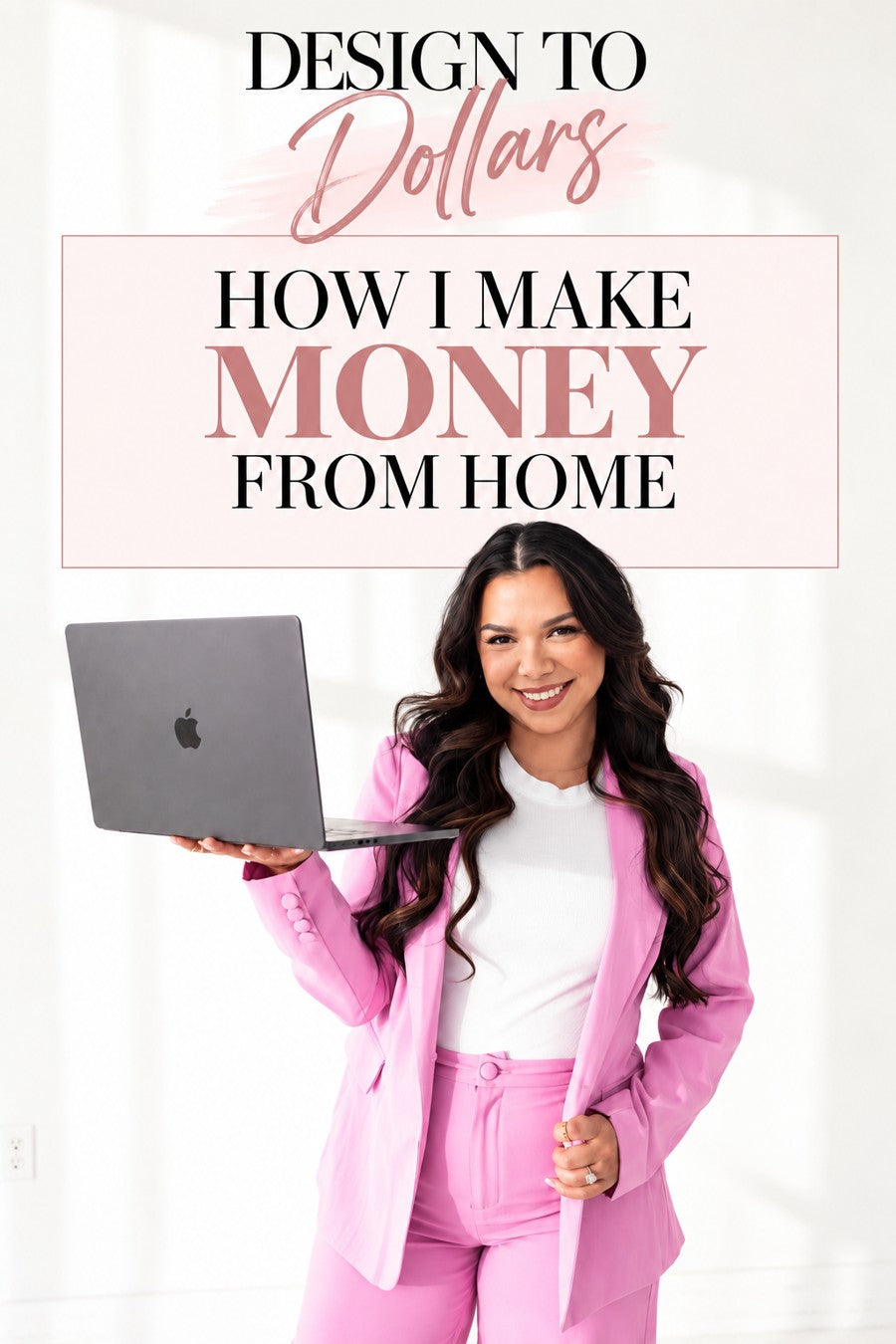
HEY, I’M SARAH. MOM OF THREE. BUSINESS OWNER.
I’m a mom of three, and digital products have become a huge part of how I’m able to make money from home. With Design to Dollars, I’m giving you the tools, training, and strategies I actually use in my own businesses so you don’t have to figure everything out on your own. Whether you’re starting from scratch or already creating, I’ll show you how to turn your ideas into products you can sell and build from there.
You bring the ideas and the willingness to learn. I’ll show you the process.
Let’s get you startedYOU’VE GOT THE IDEAS. TAKE THE NEXT STEP.
Your next collection doesn’t have to stay in your head. Bring it to life with the tools, then learn how to package it, sell it, and market your business.
YOUR INVITATION TO START
Course + creative tools + community. Tool usage limits apply.
Secure checkout through Shopify.
Have a live discount code? Apply it at checkout.
A FEW QUICK ANSWERS
No. You’ll learn to use the artwork tools and follow the creation workflow. You don’t need an iPad or drawing experience to begin.
Clipart packs, shirt graphics, seamless patterns, party invitations, and designs for products such as tumblers, coasters, bookmarks, and mouse pads. You’ll also learn ways to sell digital downloads and explore print-on-demand products.
Both. The program combines practical lessons with the tools used in the workflow. Course + creative tools + community. Tool usage limits apply.
Earnings disclaimer: Design to Dollars provides educational content and creative tools, not a guarantee of sales, income, profit, or any other financial outcome. Any results shared are Sarah’s own experience and do not represent typical or promised results. Your outcomes depend on your effort, experience, product quality, marketing, expenses, and market conditions.
Auto-renews, skip or cancel anytime.